






NSWNMA Pulse App
NSWNMA Pulse app for smartphones
The NSWNMA Pulse app is an all-in-one portal for members, providing convenient access to union benefits, support services, and the latest NSWNMA news and updates. Inside, members can find:
- Support & Advice: Access key resources and industrial support when you need it
- News & Campaigns: Stay up to date on industry developments, events, and campaigns
- Member Benefits: Easily access exclusive perks and discounts in one central place
- Account Management: Update your details and manage your NSWNMA membership securely on the go
- Check in & vote: Vote on important issues that affect you, your workplace, or your sector and check in to NSWNMA events
Download the NSWNMA app for smart phones from the App store for iPhones and Google Play for Android today.
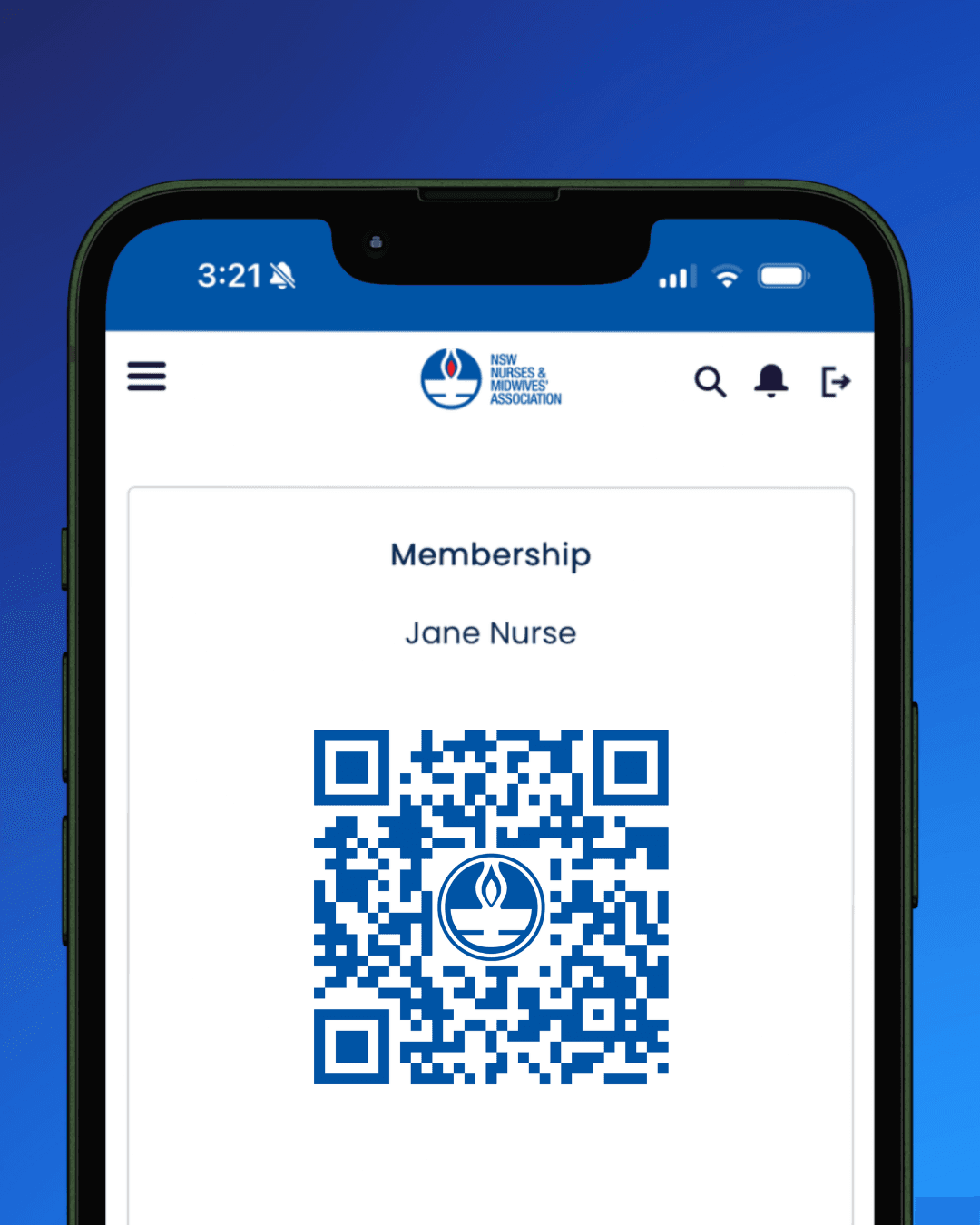
How to set up NSWNMA Pulse App
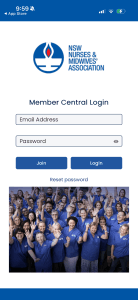 |
1. Login using your Member Central credentialsWhen opening the App for the first-time, you will be prompted to log in. |
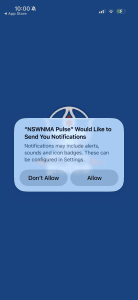 |
2. Turn on notifications (recommended)You will be prompted to allow notifications from the app to appear on your device. We recommend turning on notifications so you don’t miss important branch information. Notifications can be changed any time in your device settings. |
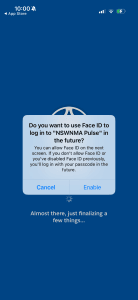 |
3. Set up biometric authentication (optional)If your device supports biometric authentications (such as FaceID or fingerprint recognition), you will be prompted to enable this feature to login in the future. If you enable biometrics to login, you may also receive a second prompt from your device to confirm. Biometric login can be changed any time in your device settings. |
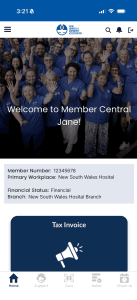 |
4. You’re in!Welcome to the pulse app. |